Website monitoring is great, but a lot of what keeps a business running doesn't speak HTTP. The mail server. The SFTP endpoint a partner uploads files to. A game server, an MQTT broker, a custom TCP service. When one of those stops, there's no error page for anyone to see. Things just quietly stop arriving.
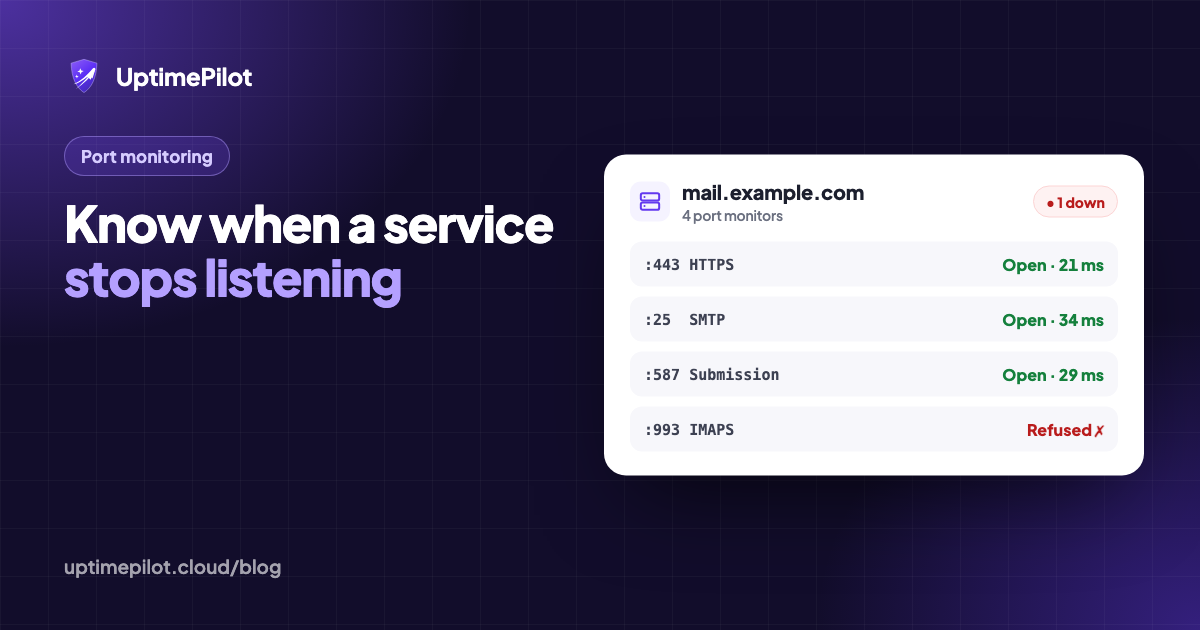
For all of these I use port monitors in UptimePilot. They answer the most basic question there is: is anything still listening on this port?
What a port check actually does
Every interval, UptimePilot opens a TCP connection to your host and port:
- Connection accepted: the monitor is UP, and the connect time is recorded.
- Connection refused: nothing is listening. The service crashed, didn't come back after a reboot, or is bound to the wrong interface.
- Timeout: a firewall or security group is dropping the traffic, or the machine is gone.
- DNS failure: the hostname doesn't resolve any more.
It deliberately doesn't send anything after connecting, so it works with any TCP protocol. For HTTP services I use a website or API monitor instead, which also checks the response.
Ports I monitor
| Port | Service | What breaks when it's closed |
|---|---|---|
| 25 / 587 | SMTP and submission | Incoming mail and sending from mail clients. |
| 993 | IMAPS | Everyone's inbox stops syncing. |
| 22 | SSH / SFTP | Deploys and partner file drops. |
| 443 | HTTPS on a non-web box | Load balancer or reverse proxy is down. |
| Anything else | Game servers, brokers, custom TCP | Whatever your users connect to. |
Each port is its own monitor, so each gets its own history, response-time chart and alert routing.
Setting it up
- Start the free trial; port monitors are included on every plan.
- Click New monitor and choose Port.
- Enter the hostname or public IP, and the port (1 to 65535; the form starts at 443).
- Set a timeout that fits. A few seconds is plenty for most services.
- Pick alert channels and save.
Spotting trouble before it's an outage
The connect time is charted on every monitor, with a p95 line over 24 hours, 7 days or 30 days. A port that normally connects in 20 ms and starts taking 800 ms is a server under strain, and I'd rather see that on a chart than in an incident.
Incidents open after 3 failed checks in a row by default (adjustable from 1 to 50) and close after 2 good ones, so a single dropped connection doesn't wake anyone. During planned maintenance I put the monitors in a maintenance window, and nobody is alerted for downtime I caused myself.
Pair it with ping
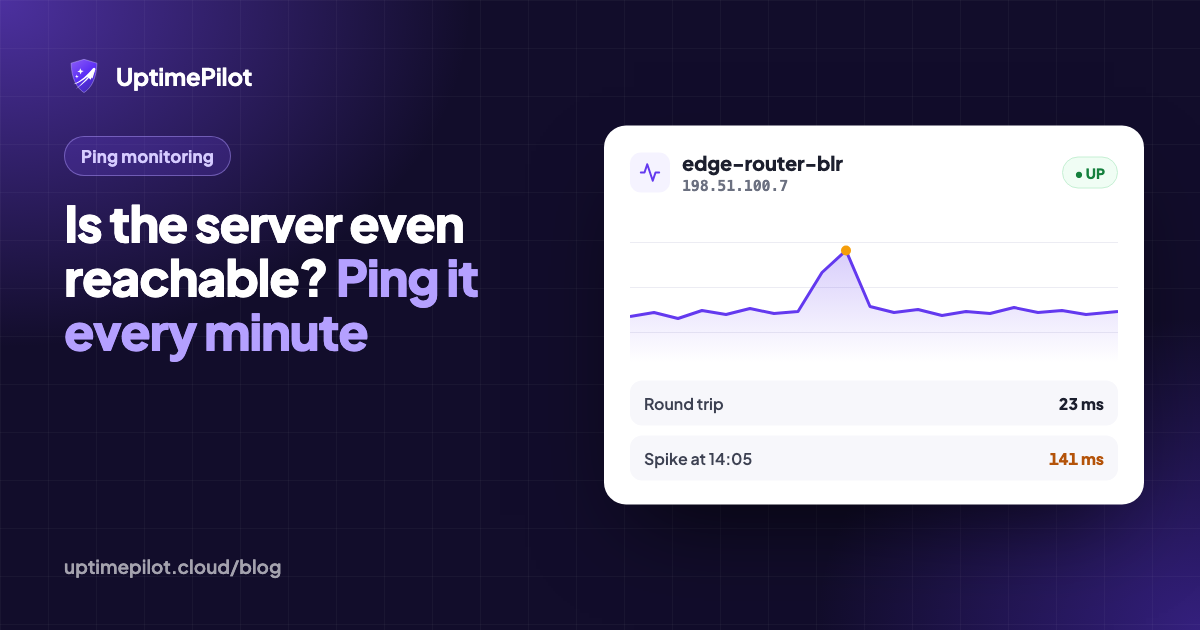
When a port check fails, the first question is whether the service died or the whole machine did. A ping monitor on the same host answers that immediately: ping up and port down means the service, both down means the server or network.
Port and ping monitors are both on the free trial, so you can set up the pair for your most important server in two minutes. Give it a go.
Frequently asked questions
What does a port monitor check?
That a TCP connection to the host and port succeeds within the timeout. A successful connection is UP; a refused connection, a timeout or a DNS failure is DOWN. The connect time is recorded on every check.
Does it speak the protocol, like SMTP or SSH?
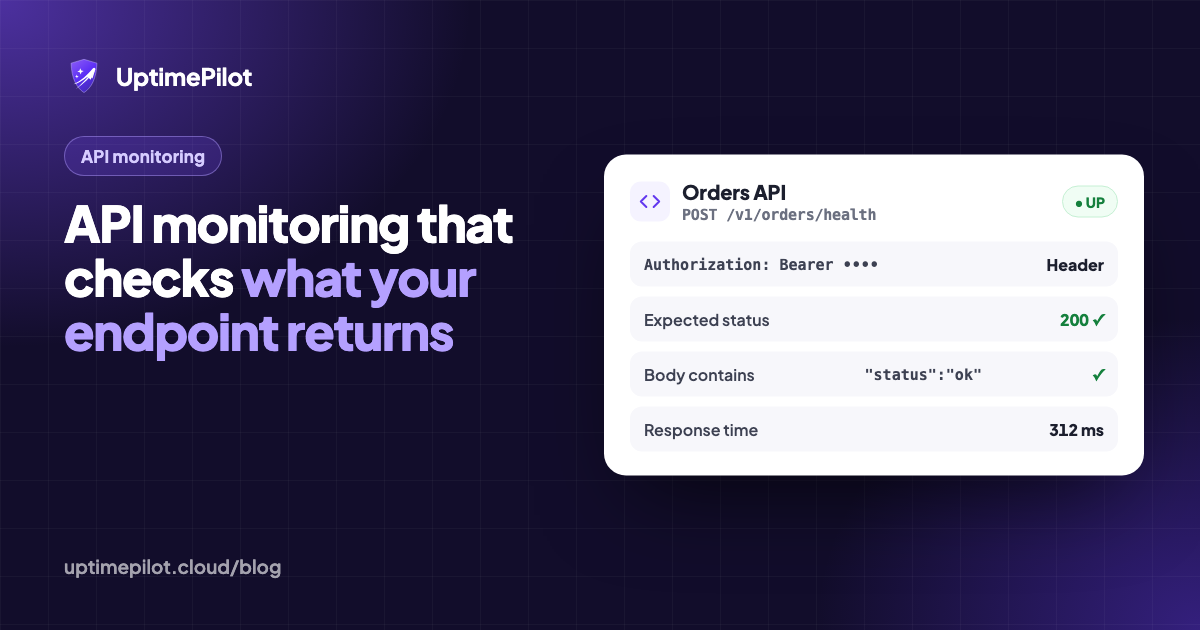
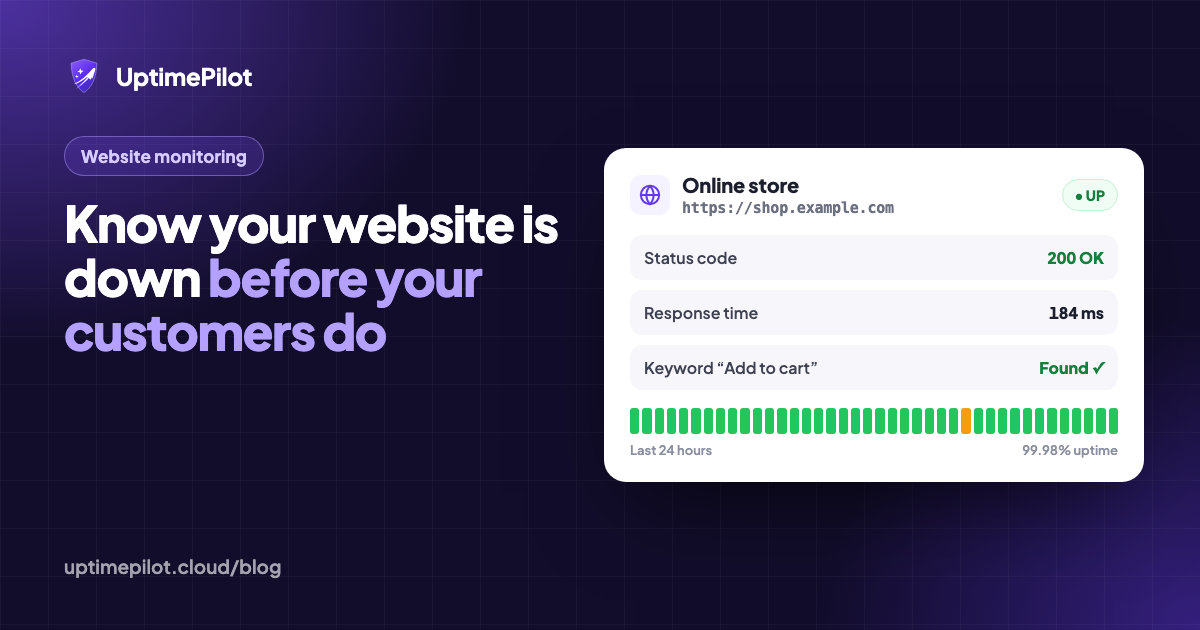
No. It checks that the port accepts connections, which is exactly what fails when a service crashes or a firewall changes. For HTTP services use a website or API monitor, which checks the response too.
Can I monitor a server on my private network?
No. Checks run from the internet, and private, loopback and reserved addresses are blocked, so the port must be reachable publicly.
Is port monitoring in the free trial?
Yes, port monitors are available on every plan, including the 7-day free trial.