When something breaks, the very first question I ask is: is the machine even there? Before looking at logs, before restarting services, before blaming the last deploy. If the server isn't reachable at all, everything else is noise.
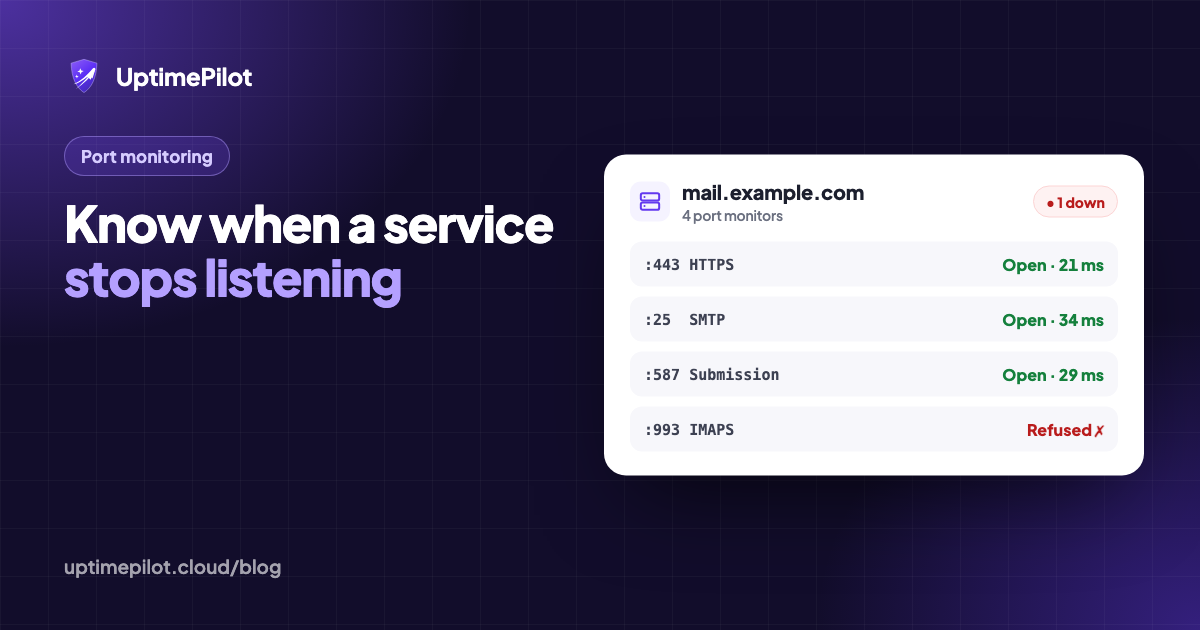
That's what ping monitoring is for, and it's the first monitor I add to every VPS, dedicated server and piece of network gear with a public IP. I run them in UptimePilot next to my website and port checks.
What a ping check tells you
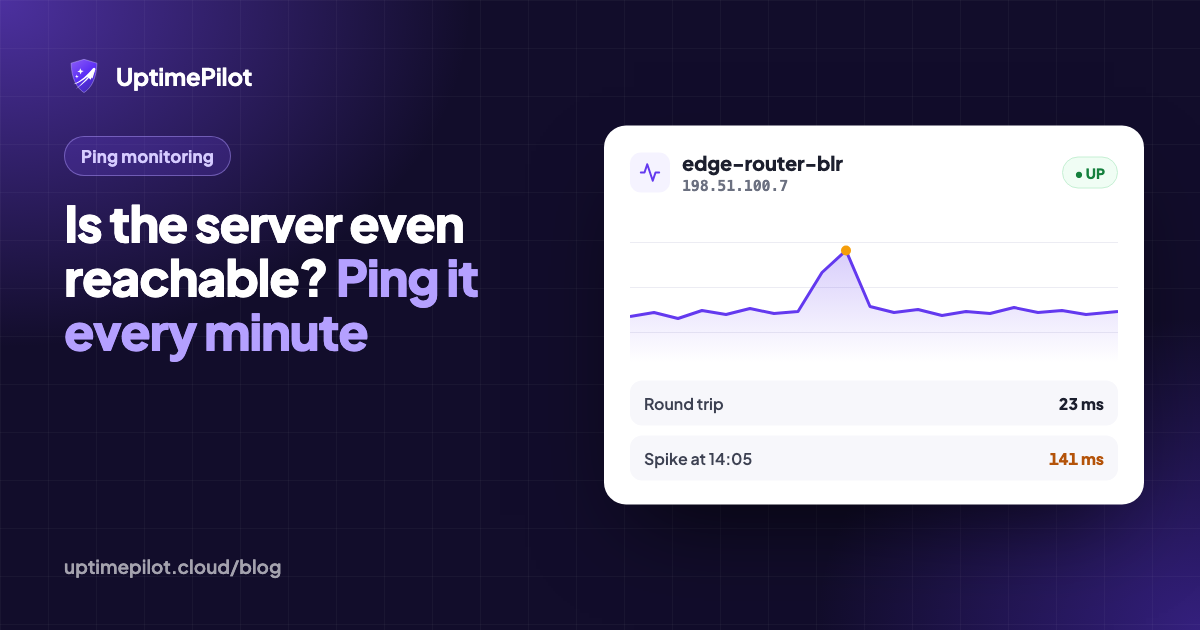
Ping sends an ICMP echo request and waits for the reply. It doesn't care about web servers, ports or applications. It answers two questions:
- Is the host reachable from the internet? If it doesn't reply, the machine is down, has lost its network, or something between you and it is broken.
- How long does the round trip take? A sudden jump in latency often points at network congestion or a host under heavy load.
It's the lowest-level check there is, which makes it a great baseline. If ping is fine and the website is down, the problem is in your software. If ping is down too, it's the server, the host or the network.
Where I use ping monitors
- VPS and dedicated servers, as the “is the box alive” signal.
- Routers, firewalls and VPN gateways with a public address, especially at a branch office.
- Servers that don't run a website: build machines, mail relays, game servers.
- Hosts behind other monitors, so when a port or website check fails I can tell at a glance whether it's the service or the whole server.
Setting it up
- Start the free trial; ping is included on every plan.
- Click New monitor and choose Ping.
- Enter a hostname or public IP address.
- Choose the interval and a timeout. A couple of seconds is usually enough.
- Pick alert channels and save.
Reading the latency chart
Every check records the round-trip time, and the monitor page charts it with a p95 line over the last 24 hours, 7 days or 30 days. For a server in the same country, I expect a flat line in the tens of milliseconds. Things I look out for:
- A step up that stays up: the route changed, often after a provider moved something.
- Spikes at the same time every day: backups, cron jobs or a noisy neighbour on shared hosting.
- Gradual climb: the link or the host is getting busier.
No false alarms from a dropped packet
A single lost ping means very little on the internet. That's why UptimePilot only opens an incident after several failures in a row (3 by default, anything from 1 to 50) and closes it after 2 good checks. With checks every minute, that's a real outage confirmed in about three minutes, and no 3 a.m. message for one unlucky packet.
Ping is the simplest monitor you can set up, and the one that makes every other alert easier to understand. Add your servers on the free trial and see them on one dashboard.
Frequently asked questions
How does UptimePilot ping my server?
Each check resolves the host to a public IP and sends an ICMP echo request. A reply within the timeout means UP; no reply means the check failed. The round-trip time is recorded and charted.
My server blocks ping. What should I use?
Use a port monitor on a port the server does answer on, like 22 or 443. It tells you the machine is reachable just as well.
Can I ping a private IP or a server on my LAN?
No. Checks run from the internet, and private, loopback and reserved addresses are blocked. The host needs a public address.
How often can it ping?
Every 5 minutes on the free trial, every minute on Starter, and every 30 seconds on Pro and Business.