DNS is the part of the stack everybody forgets about until it breaks, and when it breaks, everything looks broken at once. The site doesn't load, email bounces, certificates fail to renew, and your server is perfectly healthy the whole time. It just isn't where the internet thinks it is.
The causes are rarely dramatic: a teammate tidying up records in the DNS panel, a registrar migration that didn't copy everything over, a hosting move that changed an IP, or a domain whose nameservers got reset to a parking page. So I monitor the DNS records that matter with UptimePilot, and I find out within minutes when one of them changes.
Why a website check doesn't catch DNS problems quickly
A website monitor will eventually notice a broken A record, because the page stops loading. But many DNS problems never touch the page:
- An MX record pointing at the wrong mail server silently loses email for days.
- A missing TXT record (SPF, DKIM or a domain verification) sends your mail to spam or breaks a third-party integration.
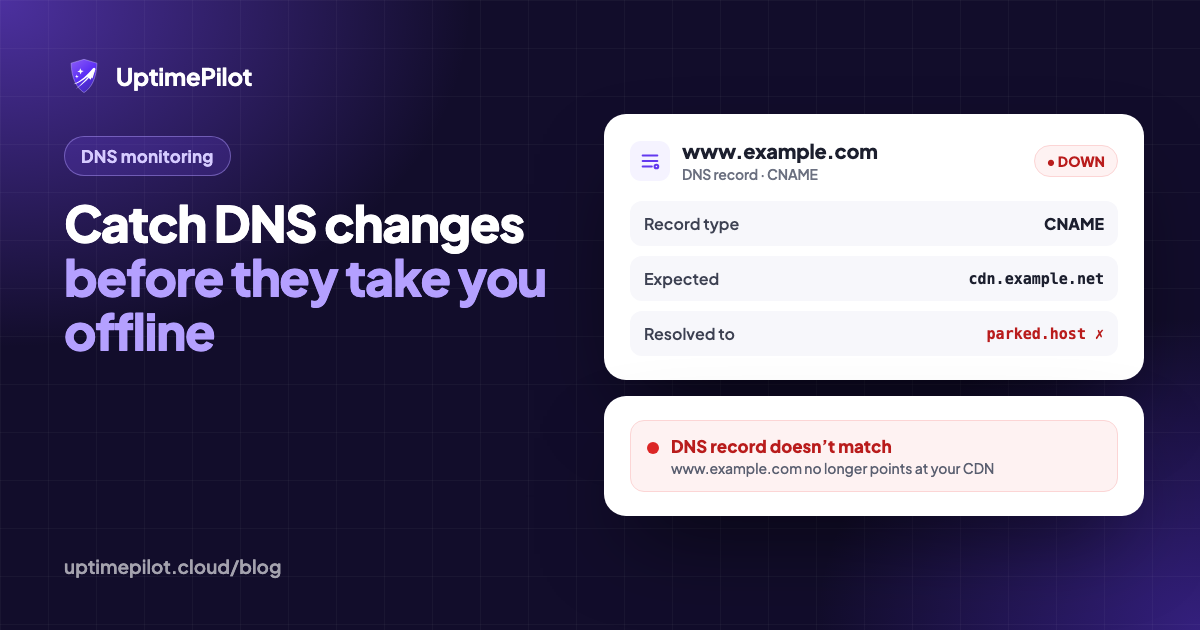
- A CNAME that no longer points at your CDN can keep working from caches for hours, then fail for everyone at once.
A DNS monitor checks the record itself, against the value it should have.
What I check
Each DNS monitor in UptimePilot looks at one name and one record type, and optionally an expected value:
| Record | Example | Why I watch it |
|---|---|---|
| A / AAAA | example.com → 203.0.113.10 | The site goes to the right server. |
| CNAME | www → cdn.example.net | Traffic still goes through the CDN or host. |
| MX | example.com → mail.example.com | Email keeps arriving. |
| TXT | contains v=spf1 | Mail authentication and domain verifications stay in place. |
The check fails if the lookup errors out, if there are no records at all, if an A or AAAA record points at a private address, or if none of the answers match what you expected. Matching is sensible about it: IPs are compared as addresses, CNAME and MX names ignore case and the trailing dot, and a TXT record only needs to contain your expected text.
Setting it up
- Start the free trial; DNS monitors are included.
- Click New monitor and choose DNS record.
- Enter the name, like
www.example.com, and pick the record type. - Add the expected value. You can leave it empty to just check that the record exists, but the expected value is what catches unwanted changes.
- Pick alert channels and save.
How quickly I hear about it
DNS monitors run on the same schedule as everything else: every minute on Starter, every 30 seconds on Pro and Business, and every 5 minutes in the trial. An incident opens after 3 failed checks in a row by default, so a single resolver hiccup doesn't page anyone, and it closes after 2 good checks. The alert says what was expected and what came back, so I know straight away which record moved.
The setup I recommend
- An A (or CNAME) monitor for the main site and the app subdomain.
- An MX monitor for every domain that receives email.
- A TXT monitor for your SPF record.
- A domain expiry monitor, because an expired domain breaks all of the above at once.
It's five minutes of setup, and it turns DNS from “the thing nobody looks at” into something that tells you when it's wrong. Give it a try on the free trial.
Frequently asked questions
Which DNS record types can UptimePilot check?
A, AAAA, CNAME, MX and TXT. Each monitor checks one record type on one name.
What makes a DNS check fail?
The lookup fails or returns no records, an A or AAAA record points at a private IP address, or you set an expected value and none of the answers match it.
How does the expected value match?
IP addresses are compared as addresses, CNAME and MX names are compared without caring about case or the trailing dot, and for TXT records it's enough for a record to contain the text you expect.
Is DNS monitoring in the free trial?
Yes. DNS monitors are included on every plan, including the 7-day free trial.