Of everything that can take a website down, an expired domain is the most embarrassing and the most total. When a domain lapses, it isn't just the site that disappears. Your email stops arriving, your SSL certificates can't renew, your API hostname stops resolving, and if you leave it long enough, someone else can register the name.
It usually happens for the dullest reason: the card on the registrar account expired, auto-renew failed, and the reminder emails went to an inbox nobody reads any more. So every domain I own has a domain expiry monitor in UptimePilot. It's the cheapest insurance I know of.
Why registrar reminders aren't enough
Registrars do send renewal emails. The problem is where they go:
- To the address used when the domain was bought, years ago, by someone who may have left.
- Into a spam or promotions folder, sitting next to the registrar's upsell emails.
- To one person, rather than to the team that would actually notice the site going down.
A domain monitor sends the warning to the same channels as your other alerts, like Slack, Teams, Telegram or email, so the people who run the site see it.
How the check works
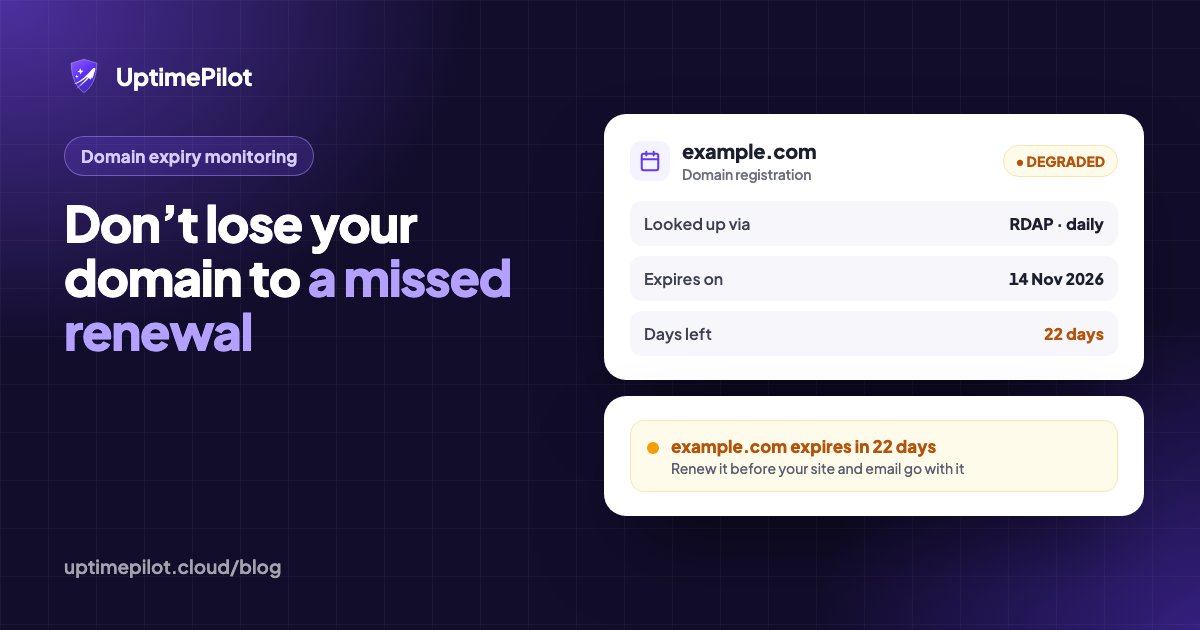
UptimePilot looks up your domain through RDAP, the structured successor to WHOIS that registries now publish. It finds the right registry for your extension automatically, reads the expiry date, and tracks how many days are left. You don't connect your registrar account or share any credentials.
Registration data changes slowly, so the check runs once a day by default (the shortest interval is one hour). If you enter a subdomain like shop.example.com, it looks up example.com, since that's the part that actually expires.
A warning, then an alarm
Like SSL monitoring, there are two thresholds:
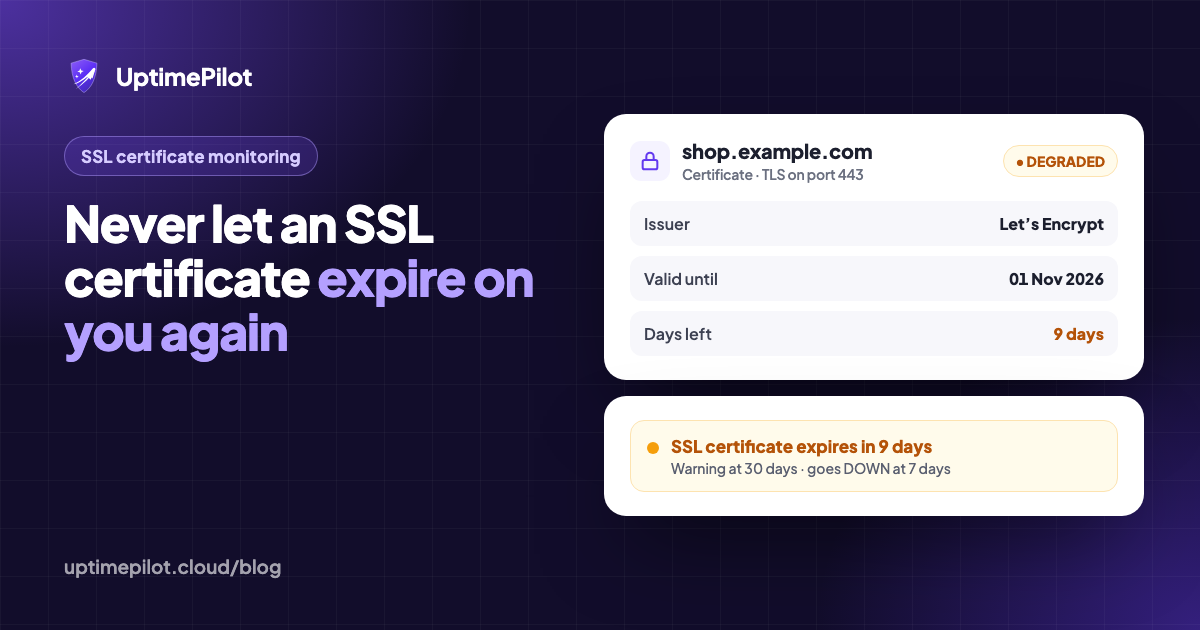
- 30 days left: a warning incident opens and the monitor turns DEGRADED. That's my cue to log in to the registrar and check the payment method.
- 7 days left: the monitor goes DOWN and a critical alert goes out. That's “renew it right now”.
Both are adjustable from 1 to 365 days. Once you renew, the next daily check sees the new date, the incident closes itself and you get a recovery message.
Setting it up
- Sign up for the free trial; no card needed.
- Click New monitor and choose Domain expiry.
- Enter the domain, like
example.com. - Keep the 30-day warning and 7-day critical thresholds, or change them.
- Pick your alert channels and save.
Which domains to add
More than you'd think. My list includes:
- The main domain, obviously.
- The domain your email runs on, if it's different.
- Old and redirect domains (the .in and .co versions, the previous brand name). If one lapses, links and old emails break, and a squatter can grab traffic meant for you.
- Domains used only by infrastructure, such as API or CDN hostnames on a separate domain.
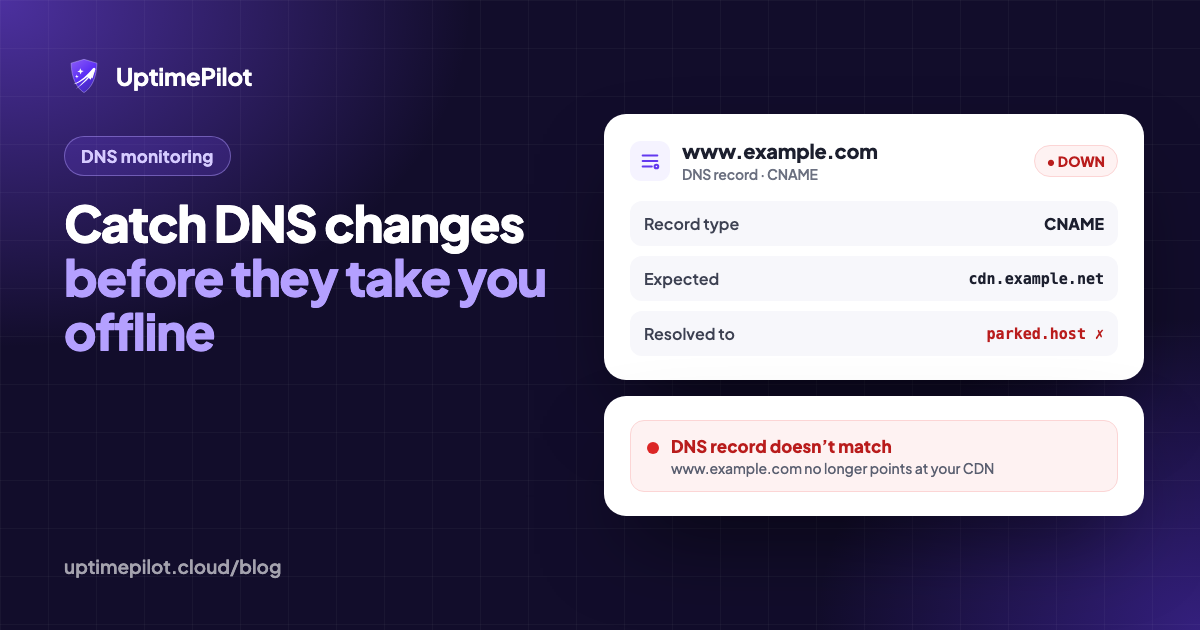
Combine these with SSL monitors and DNS monitors and you have early warning for the three kinds of paperwork failure that take healthy servers offline.
Five minutes now, or a very bad day later
Domain expiry monitors are included on every UptimePilot plan, including the free 7-day trial. Add your domains once and forget about them, because now something else is remembering for you.
Frequently asked questions
How does UptimePilot know when my domain expires?
It looks up the registration through RDAP, the modern replacement for WHOIS, using the official registry for your domain's extension. You don't need to connect your registrar account.
How often is the domain checked?
Once a day by default. Registration data changes slowly, so daily is plenty; the shortest interval is one hour.
When will I be alerted?
A warning when 30 days are left (the monitor turns DEGRADED), and a critical alert at 7 days (DOWN). Both thresholds are adjustable from 1 to 365 days.
Can I monitor a subdomain?
You can enter one, and UptimePilot will look up the registered domain it belongs to, since only that has an expiry date.